
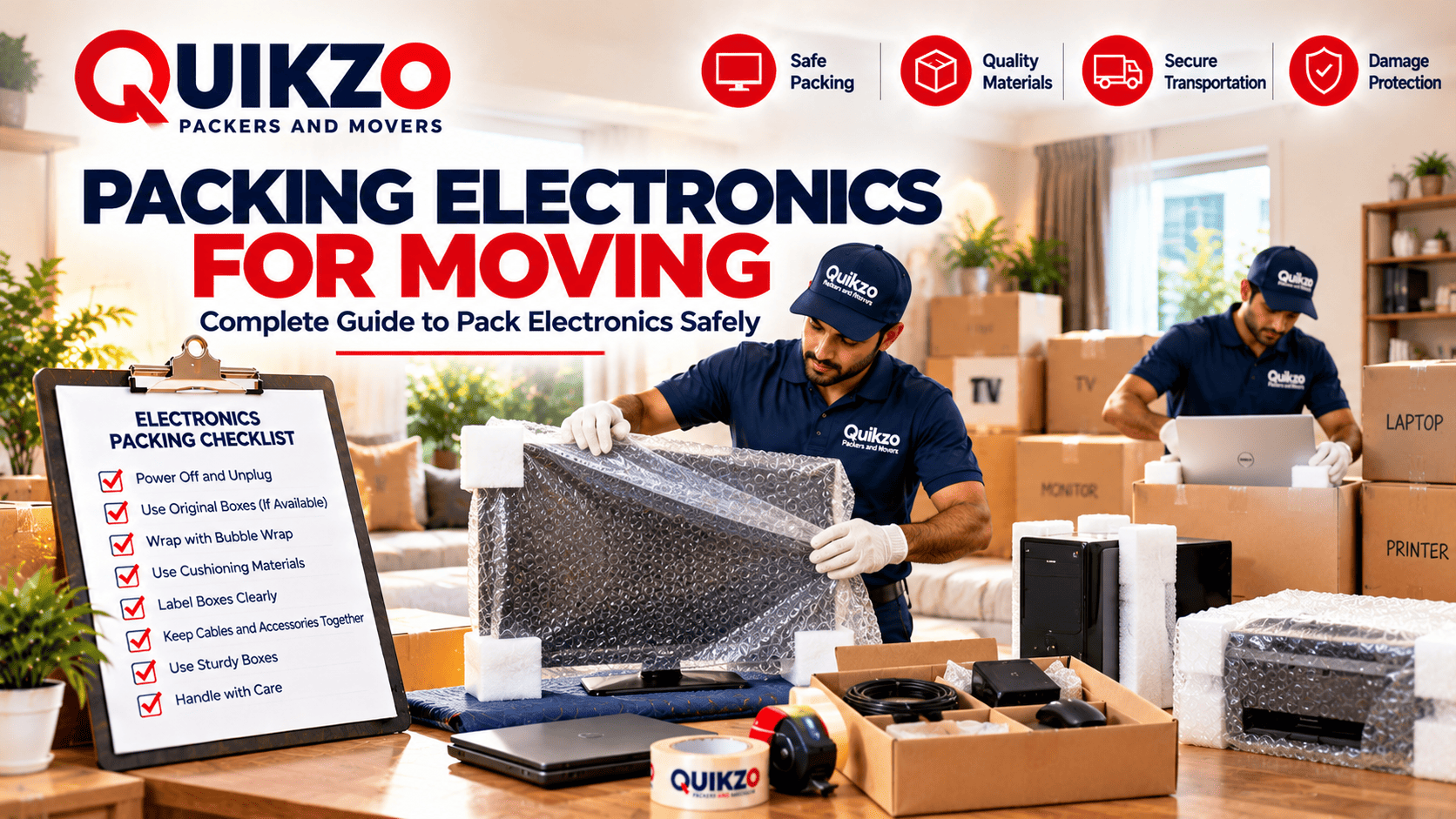
How to Pack Electronics for Moving: Safe Packing Tips
Electronics are an important part of modern homes and offices, but they can be vulnerable to scratches, impact, moisture and improper handling during relocation. Televisions, computers, monitors, appliances and other electronic devices need proper preparation and protective packing before transportation.
Using suitable packing materials and handling each device carefully can help reduce the risk of damage and make the moving process more organized.
Why Properly Packing Electronics Is Important
Electronic devices contain delicate components that can be affected by impact, vibration, pressure and movement during transportation. Proper packing helps protect devices from external damage and keeps accessories organized.
- Reduces the risk of scratches and impact damage
- Protects screens and delicate components
- Prevents movement inside boxes
- Keeps cables and accessories organized
- Makes loading and transportation safer
- Makes unpacking and setup easier
How to Pack Electronics for Moving
Begin preparing electronic devices before moving day. Clean the devices, disconnect accessories and use suitable protective materials based on the type and size of each item.
1. Back Up Important Data
Before packing computers, laptops, external drives and other storage devices, back up important files and documents. This provides an additional safeguard before the devices are transported.
2. Disconnect Cables and Accessories
Disconnect power cables, HDMI cables, chargers, remotes and other accessories carefully. Keep related cables together and label them so they can be identified easily after the move.
3. Clean Electronics Before Packing
Remove dust and dirt from electronic devices using suitable cleaning methods before packing. Make sure devices are dry before wrapping and placing them inside boxes.
4. Use Original Packaging When Available
Original boxes and fitted protective materials can provide useful protection because they are designed for the specific device. Keep the original packaging where possible, especially for televisions, monitors and other delicate electronics.
5. Protect Screens and Displays
Televisions, monitors and other screens should be wrapped carefully using suitable protective material. Pay particular attention to the screen surface, edges and corners to reduce the risk of scratches or impact damage.
6. Wrap Devices With Protective Material
Use bubble wrap, foam sheets or other suitable cushioning around electronic devices. Add extra protection to corners and areas that may be more vulnerable during handling.
7. Choose Strong Boxes
Select sturdy boxes that are suitable for the size and weight of the electronics. Avoid using damaged boxes or boxes that are too large, as excessive empty space can allow devices to move during transportation.
8. Fill Empty Spaces
Use suitable cushioning materials to fill gaps inside the box. Keeping the device secure can help reduce movement and absorb minor impacts during transportation.
9. Keep Accessories Organized
Place chargers, cables, remotes and smaller accessories in labelled pouches or smaller boxes. Avoid placing loose accessories directly against sensitive electronic devices.
How to Pack Different Types of Electronics
Different electronic devices require different handling and packing methods. Consider the size, weight, screen sensitivity and shape of each item before selecting the protective materials and box.
Televisions
Protect the screen first and use a suitable box whenever possible. Add cushioning around the edges and keep the television securely positioned to reduce movement during transportation.
Computers and Monitors
Disconnect all cables and accessories before packing. Protect the screen and body with suitable cushioning and keep the system secure inside a strong box.
Laptops
Shut down the laptop completely and disconnect the charger and accessories. Use a protective sleeve or suitable cushioning before placing it inside a secure bag or box.
Kitchen and Home Appliances
Clean and dry appliances before packing. Secure removable parts where possible and use suitable protective material around the appliance to reduce scratches and impact during handling.
How to Label Electronics Boxes
Clearly label boxes containing electronics with the device name and handling instructions. Mark delicate items as "FRAGILE" and identify boxes that need to be unpacked first after reaching the new location.
Moving Day Preparation for Electronics
Keep packed electronics in a safe and dry area until loading begins. Inform the moving team about delicate devices and make sure electronics are handled carefully during loading, transportation and unloading.
Professional Packing Services for Electronics
Professional packers and movers can provide suitable packing materials and handling support for televisions, computers, appliances and other electronic devices. Proper preparation and careful loading can help make the relocation more organized.
What Affects the Cost of Moving Electronics?
Moving costs can depend on the number and size of electronic devices, packing material requirements, moving distance, pickup and delivery locations, special handling needs and additional transportation services.
Unpacking Electronics at Your New Home
Open electronic devices carefully and remove protective materials without applying unnecessary pressure. Allow devices to reach a suitable room temperature before connecting them when appropriate, and check each device and its accessories after unpacking.
Move Your Electronics Safely with Quikzo Packers and Movers
Proper packing and careful handling are essential when relocating televisions, computers, appliances and other electronic devices. Quikzo Packers and Movers provides professional packing, household shifting, transportation and relocation support based on your requirements.
If you are planning to move electronic devices to a new home or office, contact Quikzo Packers and Movers to discuss your relocation requirements and request a moving quotation.
Moving Electronics?
Get professional support for safe packing, transportation and delivery.
Request a Free Moving QuoteFrequently Asked Questions
What is the best way to pack electronics for moving?
Disconnect and prepare each device, use suitable protective materials, choose strong boxes and fill empty spaces to reduce movement during transportation.
Should I use the original box for electronics?
Yes. Original packaging can provide useful protection because it is designed for the specific device, especially for televisions, monitors and other delicate electronics.
How should I pack a television for moving?
Protect the screen and edges with suitable cushioning, use a strong box where possible and secure the television to reduce movement during transportation.
Should electronics be labelled as fragile?
Yes. Clearly labelling electronics and other delicate boxes as "FRAGILE" can help the moving team identify items that require careful handling.
Can professional movers pack electronic devices?
Yes. Professional movers can assist with packing, loading, transportation and unloading of televisions, computers, appliances and other electronic belongings.

